
Multi-connection acceleration
Each file is split into up to 32 fragments downloaded at the same time, then joined automatically. Ideal for large ISO images, games and videos.
Free · No ads · Windows 10 & 11
Speed up downloads with up to 32 connections per file, resume anything that was interrupted, save videos from YouTube and 1,000+ sites in up to 4K or as MP3, and download torrents — in one clean, modern app.
Free forever. No account, no ads, no bundled software.
Features
From a single file to a whole website, File Download Manager handles it — and stays out of your way.
Each file is split into up to 32 fragments downloaded at the same time, then joined automatically. Ideal for large ISO images, games and videos.
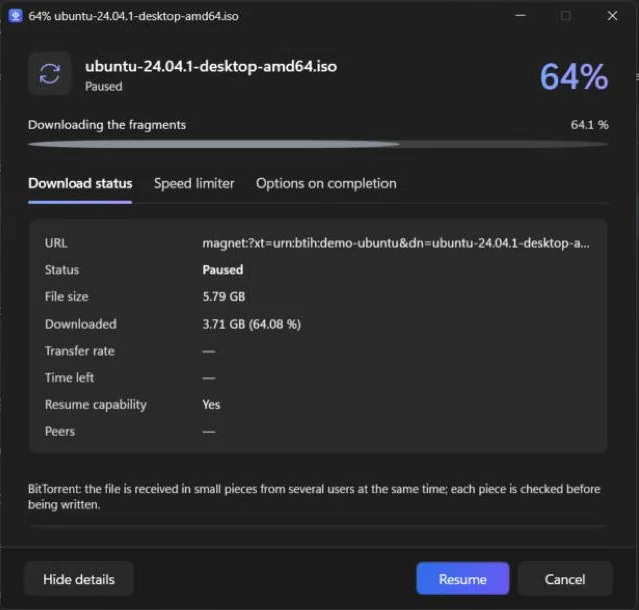
Lost connection, sleep or restart: the download continues exactly where it stopped, with automatic retries.
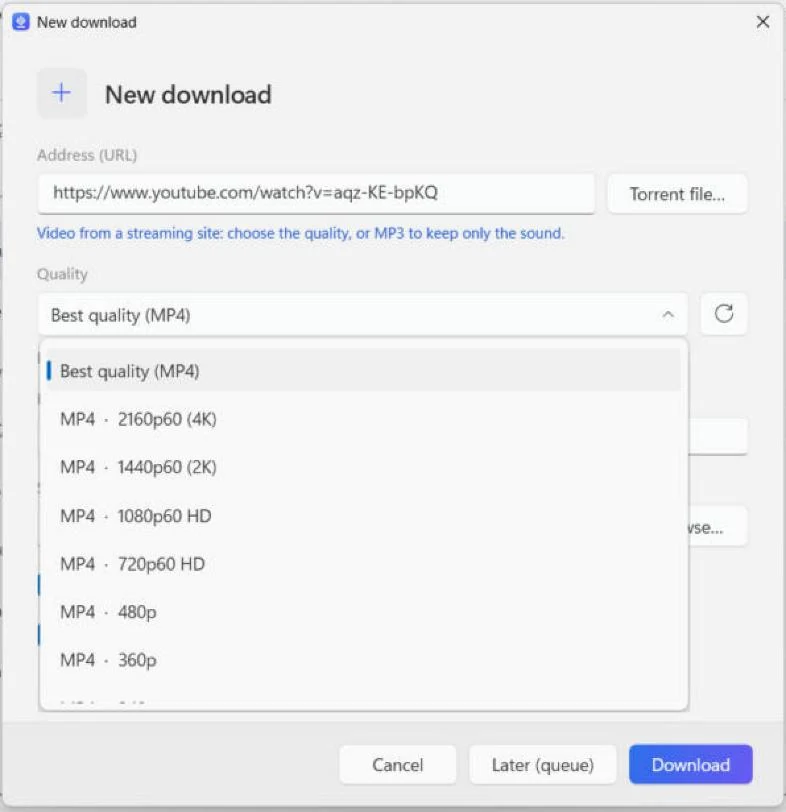
Choose the quality — up to 4K at 60 fps — or keep only the sound as MP3. Works with YouTube, Facebook, Vimeo, X, TikTok, Twitch and many more.
A built-in BitTorrent engine downloads .torrent files and magnet links with DHT and peer exchange. No separate torrent client needed.
The extension for Chrome, Edge, Firefox, Brave, Opera and Vivaldi catches your downloads and offers to save the video you are watching.
Line up downloads, choose how many run at once, start the queue at night and let the PC sleep or shut down when everything is done.
Save a whole website for offline reading, or collect only the images, PDFs or archives it links to.
HLS streams (m3u8) are downloaded segment by segment and converted into a single MP4 file.
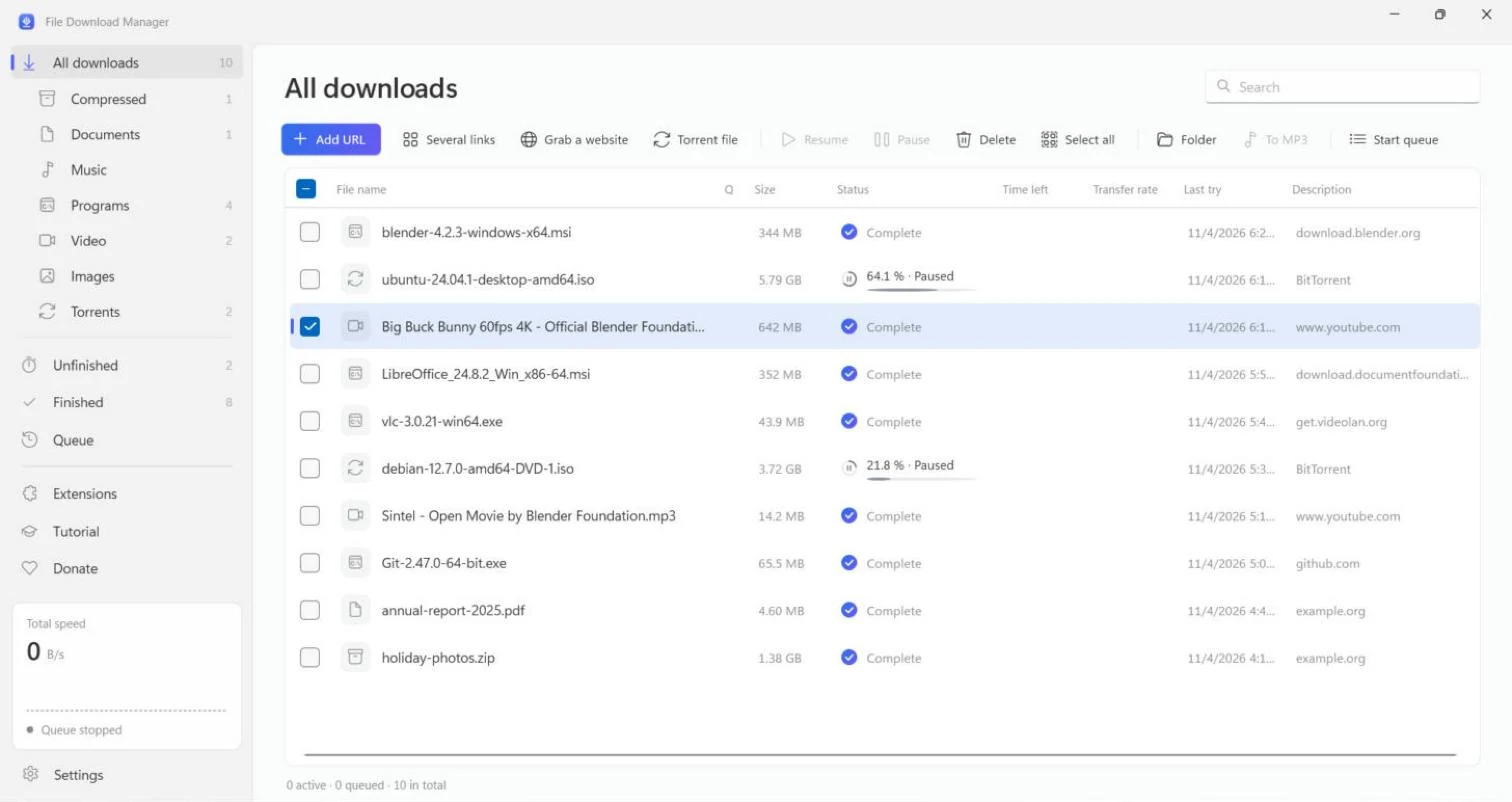
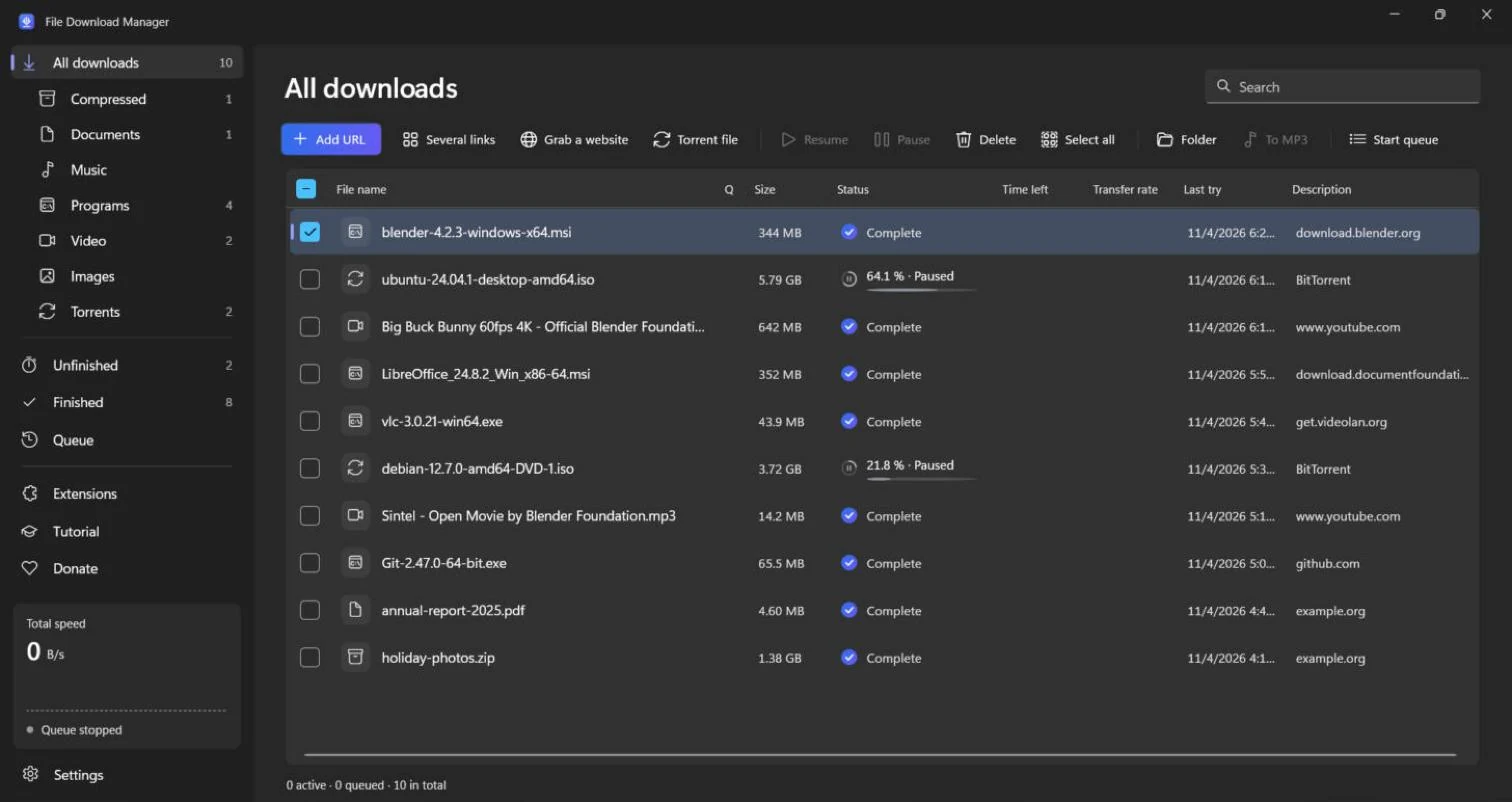
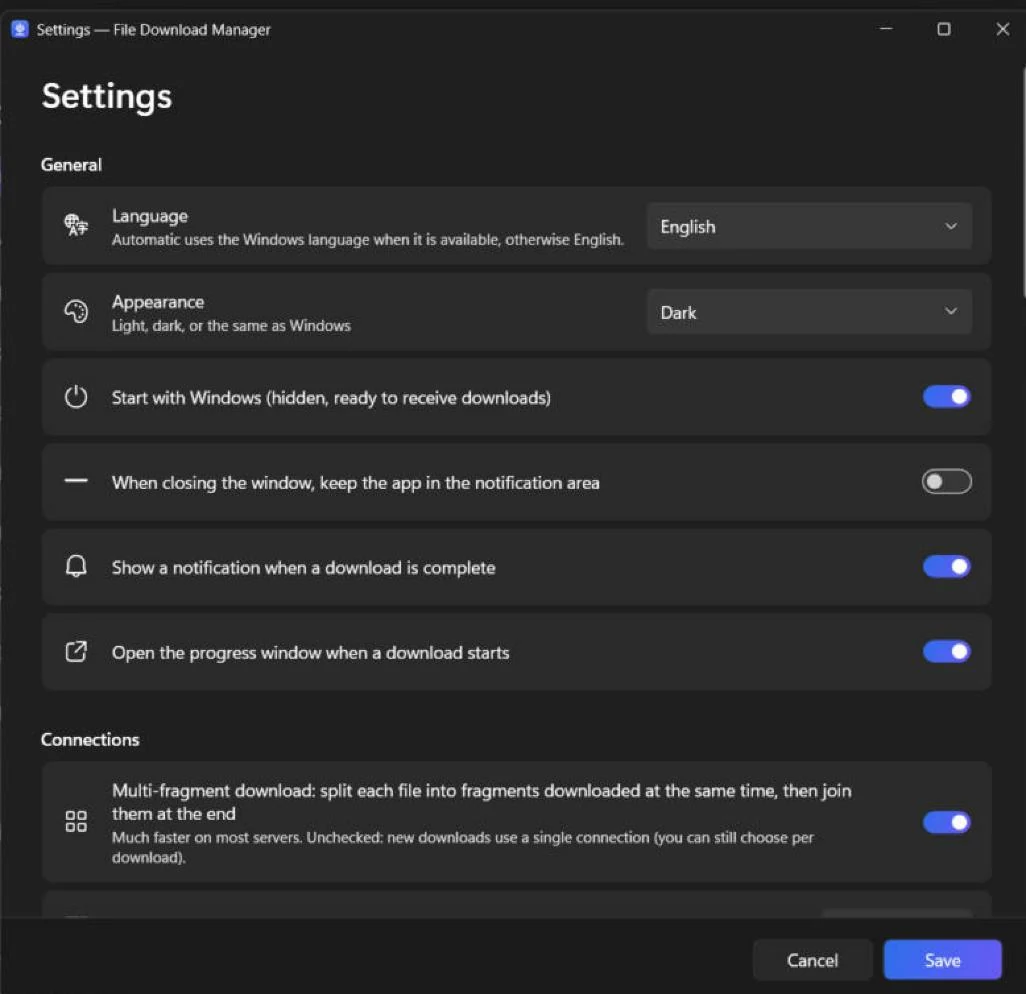
A clean Windows 11 interface with dark mode, categories, speed limiter and 12 languages.
Screenshots
Fluent design, Mica, light and dark themes: it feels like part of Windows.
Get started
Download the installer and run it. No administrator rights needed; the video and torrent components are included.
The app shows you, picture by picture, how to add the extension to your browser.
TutorialClick a download link or the button that appears on a video: File Download Manager takes over and goes faster.
Free alternative
Looking for an alternative to Internet Download Manager, Free Download Manager, JDownloader or XDM? File Download Manager brings multi-connection downloads, browser capture, video downloads and torrents together — free and without ads.
Compare the featuresFAQ
Yes. There is no trial period, no licence key, no ads and no bundled software. The project lives on voluntary donations.
Windows 10 and Windows 11, 64-bit. The video, MP3 and torrent components are included in the installer, and no administrator rights are needed.
Google Chrome, Microsoft Edge, Mozilla Firefox, Brave, Opera and Vivaldi. The illustrated tutorial shows how to add it in a few clicks.
Yes: YouTube and more than 1,000 sites, with the choice of quality (up to 4K when available) or MP3 audio only. Download only content you have the right to download, and respect copyright and the sites' terms of use. DRM-protected services (Netflix, Disney+, Spotify…) are not supported.
Yes. Pause and resume at any time; after a disconnection or a restart, the download continues where it stopped as long as the server allows it.
Yes. Open a .torrent file or paste a magnet link: the built-in BitTorrent engine handles it, with no other software to install.
The installer is new and not yet known to Microsoft SmartScreen, so Windows may show “Windows protected your PC”: click More info then Run anyway. You can check the file with its SHA-256 checksum on the download page. The app installs for your account only and can be removed from Settings → Apps.
Internet Download Manager is paid software. File Download Manager is free and also includes video downloads with quality choice, MP3 conversion, torrents and a modern Windows 11 interface in 12 languages.
Free, light and in your language. Install it in a minute.