
HD, Full HD and 4K
Every quality offered by the site, from 144p to 4K at 60 fps, in MP4 that plays everywhere.
X (Twitter) · Android
Save the videos of X posts on your phone in the best quality available. Share the post to My Video Downloader or paste its link.
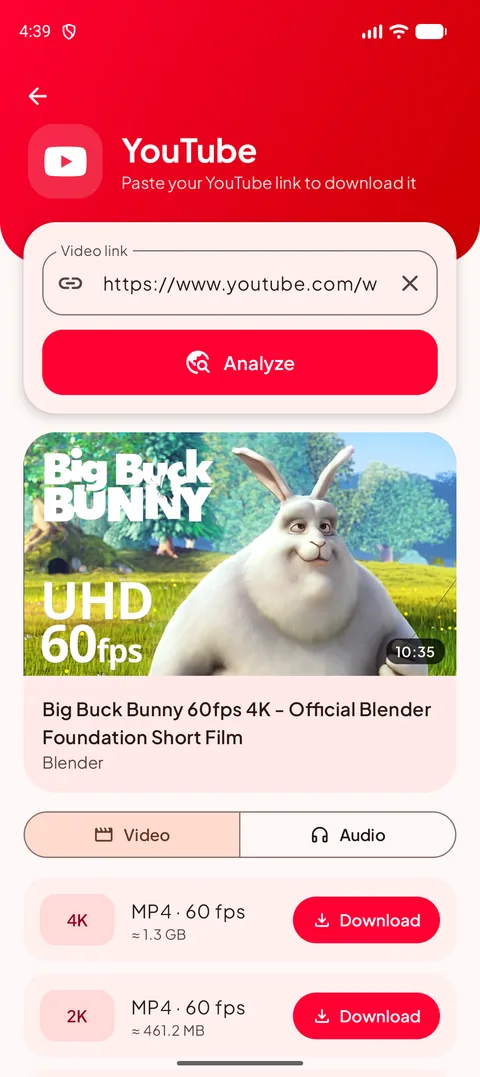
Copy the link of the X (Twitter) video, or tap Share in the X (Twitter) app and choose My Video Downloader.
My Video Downloader opens the right page and analyzes the link in a few seconds.
Choose a video quality or MP3 and tap Download: the file goes to Download/My Video Downloader.
Every quality offered by the site, from 144p to 4K at 60 fps, in MP4 that plays everywhere.
Download only the audio, or convert any video of your Playlist to MP3 with the progress shown in %.
Tap Share in YouTube, TikTok or Instagram and choose My Video Downloader: the link is analyzed right away.
No sign-up, no ads, no tracking in the app: your downloads stay on your phone.
Yes. My Video Downloader is free, without ads, account or subscription.
Every quality X (Twitter) offers for the video, from 144p up to Full HD or 4K when available, plus the audio in MP3.
In the Download/My Video Downloader folder of your phone. They appear in your gallery and in the Playlist of the app.
No. Only public content can be downloaded; save only what you have the right to keep.