
Choose the files before downloading
A window shows the content of the torrent as a folder tree, with the size of every file. Tick only what you need and choose the destination folder.
Torrent downloader
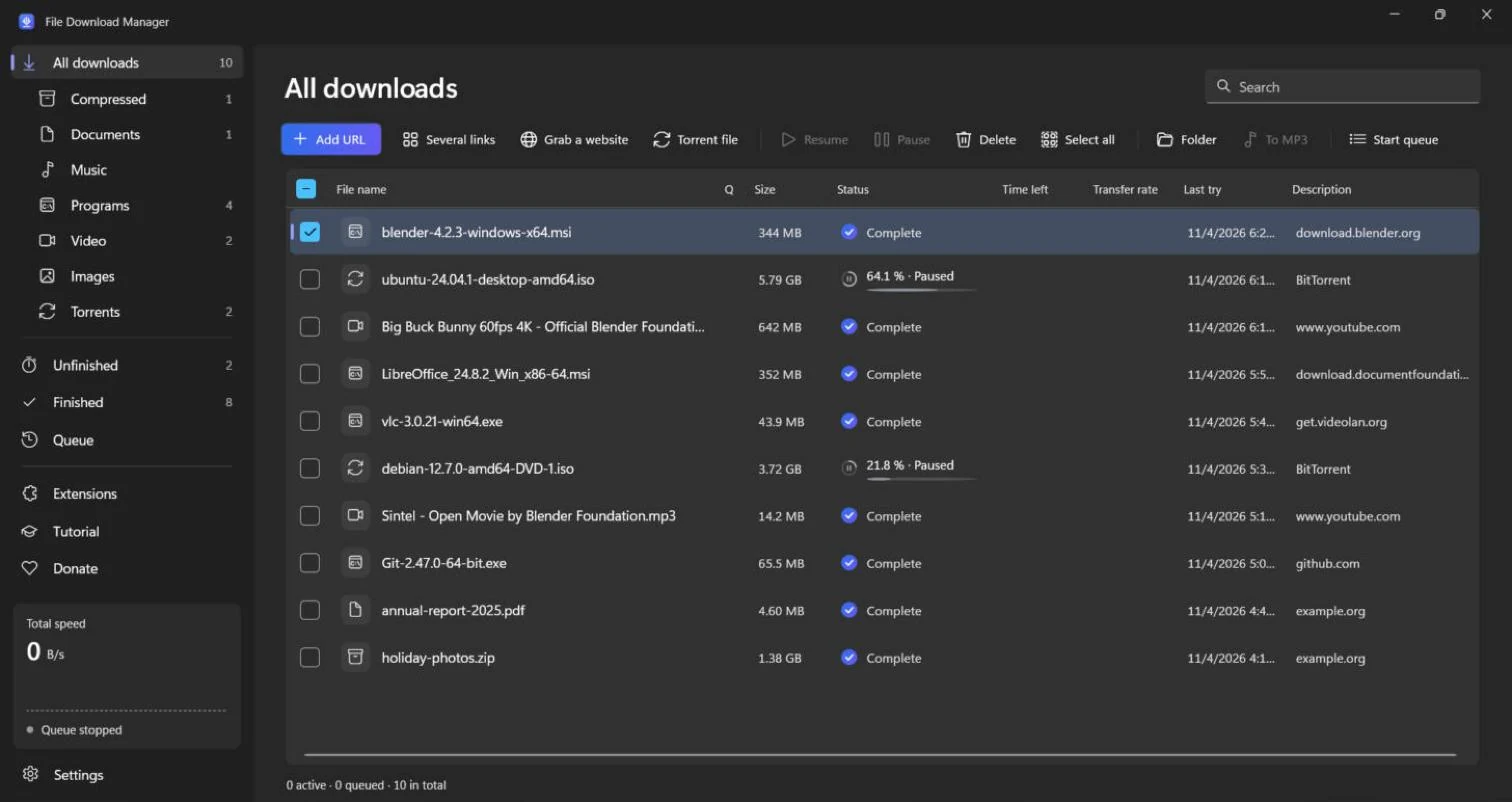
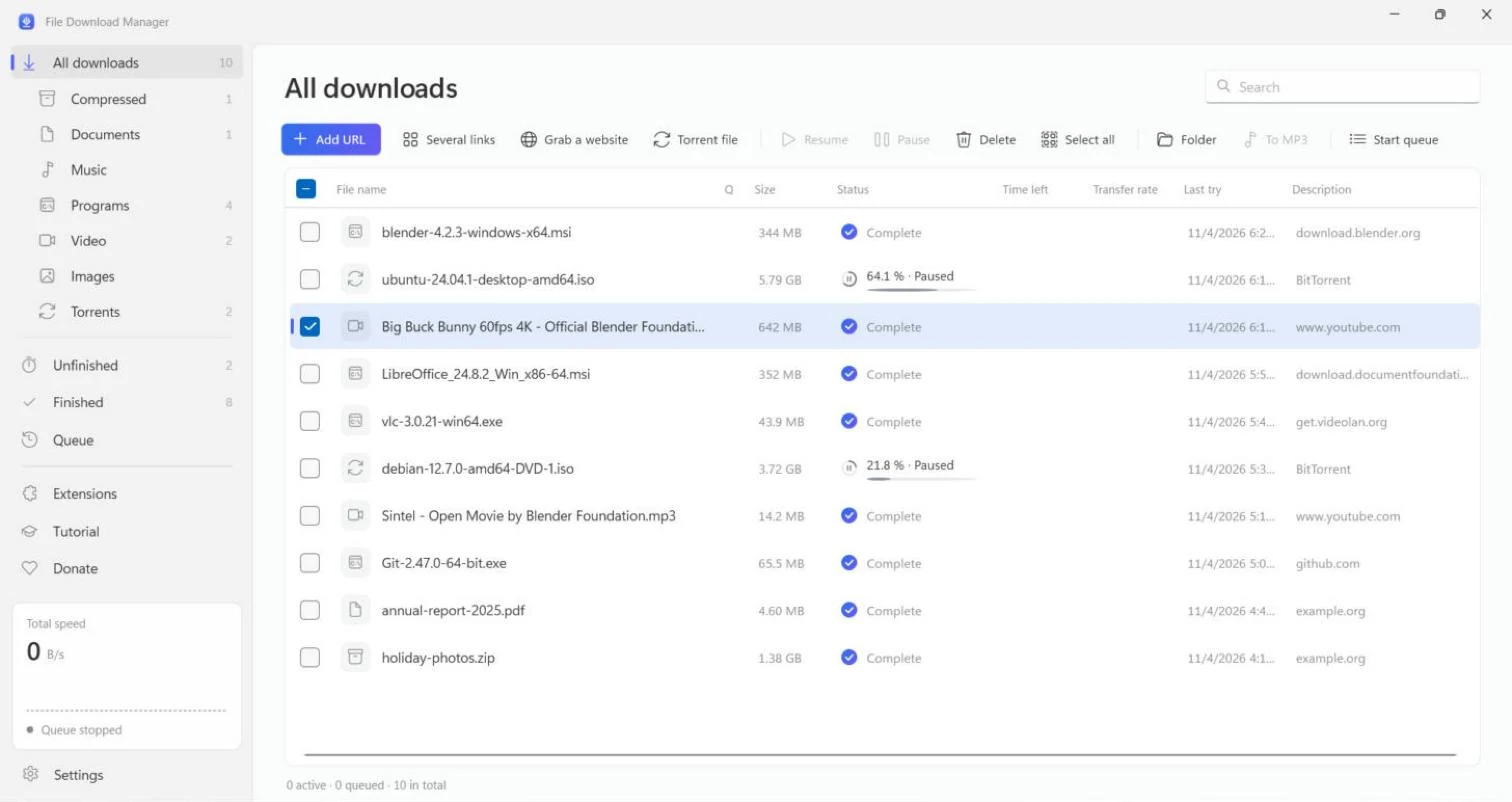
Open a .torrent file or paste a magnet link: File Download Manager downloads it with its built-in BitTorrent engine. No separate torrent client to install, and no ads.
Free forever. No account, no ads, no bundled software.
A window shows the content of the torrent as a folder tree, with the size of every file. Tick only what you need and choose the destination folder.
Paste one or several magnet links, import .torrent files, or click a magnet link in your browser. DHT, peer exchange and public trackers find sources even without a tracker.
A torrent resumes where it stopped, even after a restart. Set a speed limit, queue your torrents and let the PC shut down when everything is finished.
Get started
Click “Torrent file” in File Download Manager, then paste your magnet links or import your .torrent files.
TutorialTick the files to download and choose the folder.
Click “Download”: peers, speed and progress are shown live.
FAQ
No. The BitTorrent engine (aria2, free software) is included in the installer and updated automatically. You can keep qBittorrent or µTorrent installed alongside.
The BitTorrent protocol is legal and widely used for Linux distributions, free films and large public files. Download only content you have the right to obtain.
Free, light and in your language. Install it in a minute.